

Documentation Index
Fetch the complete documentation index at: https://nova.dweet.com/docs/llms.txt
Use this file to discover all available pages before exploring further.
Setup Steps
Open the Jobs page
From your company dashboard, go to the Jobs page and find the job you want to score.
Configure criteria
Click Add Criteria on the job. The Criteria Builder walks you through a conversational flow: provide context about the role, answer a few clarifying questions, then review the generated criteria.You can edit criteria text, adjust importance levels (must have, preferred, nice to have), add or remove criteria, and chat with the AI to refine them.
Start scoring
Click Start on the job. Nova begins processing candidates immediately and scores new applications as they come in.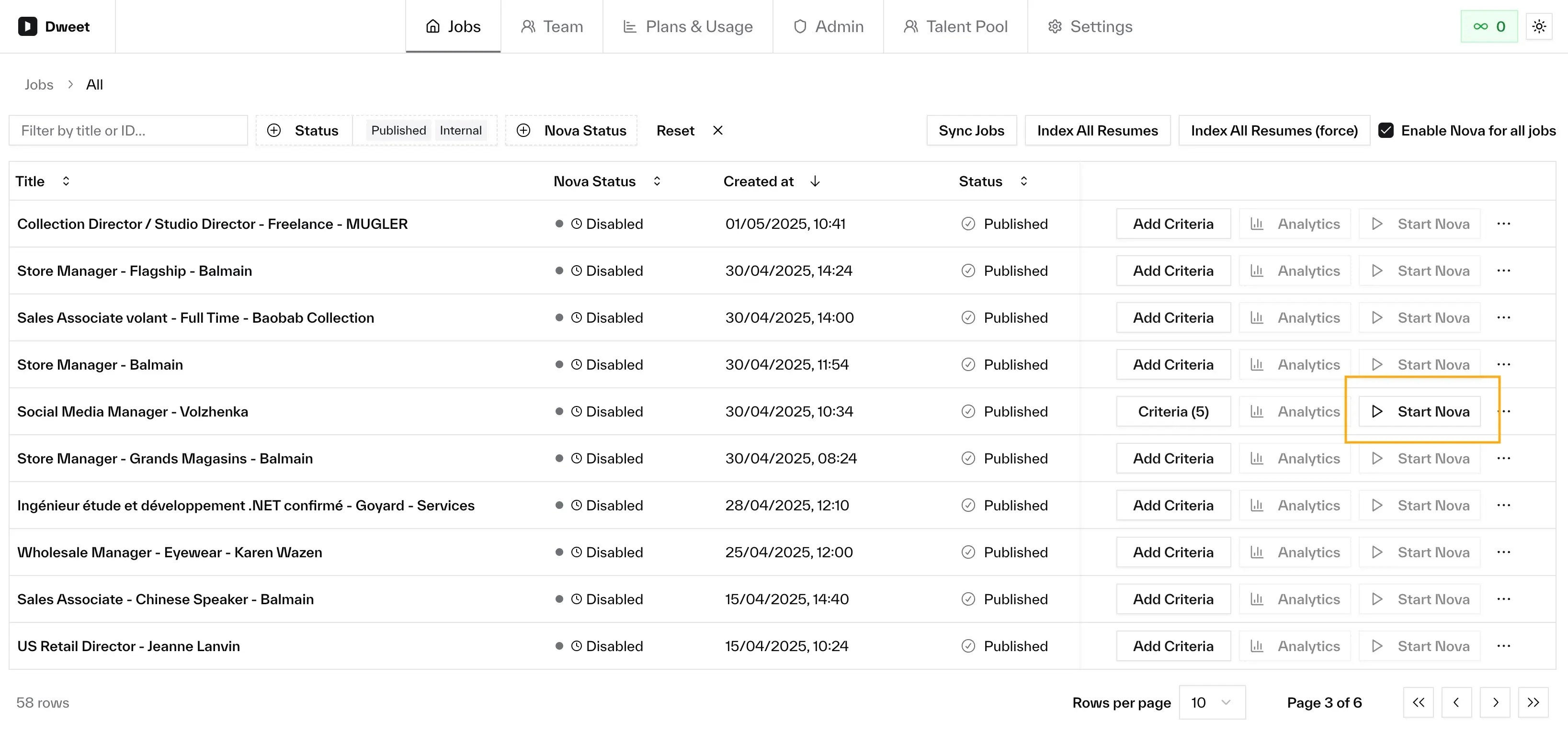
The job must be live (published or internal) and you need a valid payment method before Nova can start. The button tells you if anything’s missing.
Next Steps
Understanding Scores
How to read and interpret Nova assessments
Configure Criteria
Refine criteria to improve scoring accuracy