

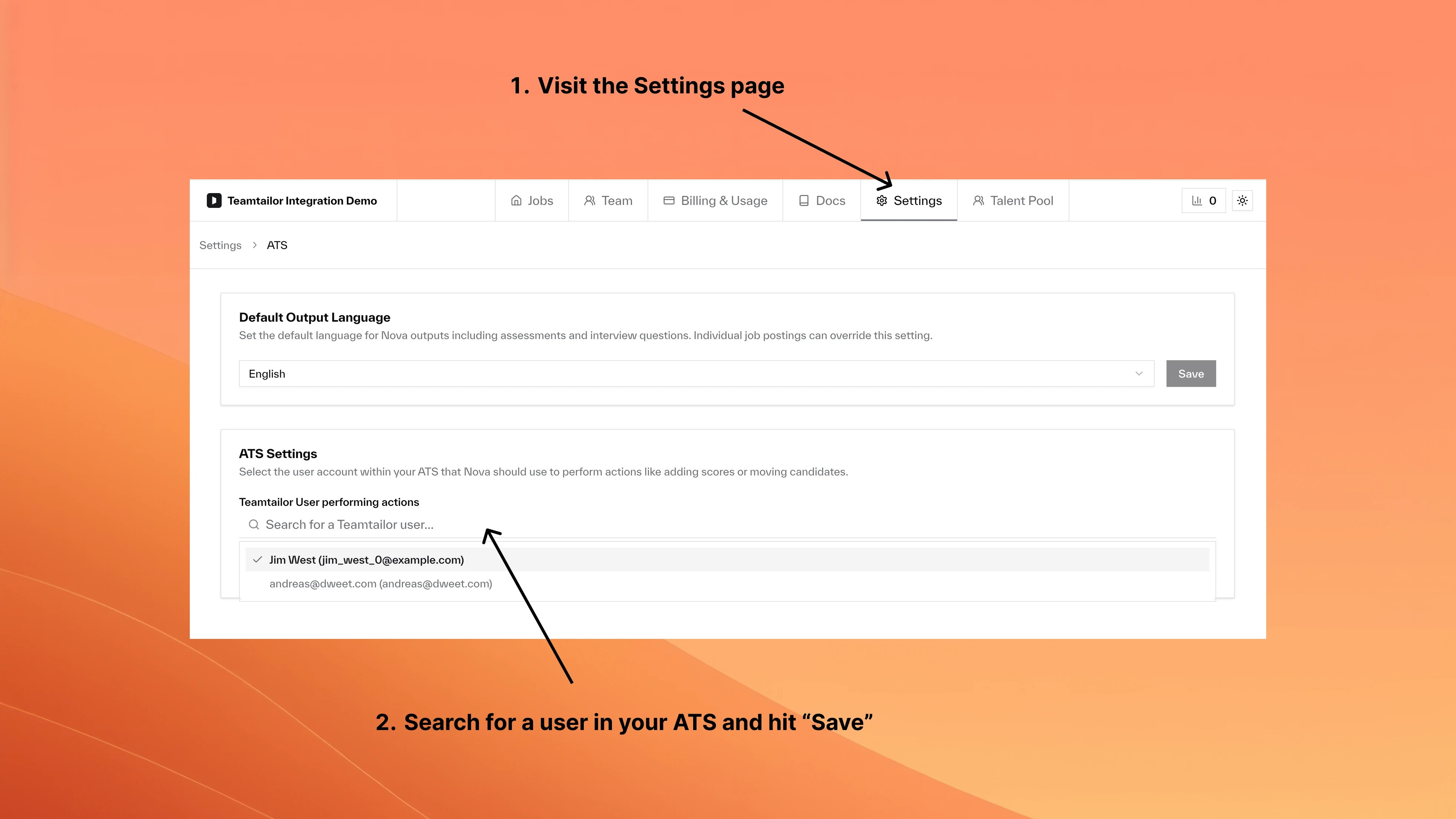
By default, Nova uses your first admin user, which makes AI-generated content appear under a real person’s name. Creating a dedicated “Nova” user gives clear attribution.Documentation Index
Fetch the complete documentation index at: https://nova.dweet.com/docs/llms.txt
Use this file to discover all available pages before exploring further.
Setup
Frequently asked questions
What happens to existing Nova content?
What happens to existing Nova content?
Previous content keeps its original attribution. Only new content uses the updated user.
Can I use different users for different jobs?
Can I use different users for different jobs?
No. The setting applies company-wide.
User Management
Manage team roles and permissions
Company Settings
Configure company-wide preferences